
Your ECTs will access their self-study content directly from their workspace. They can click the relevant self-study title to be taken straight to where they left off.
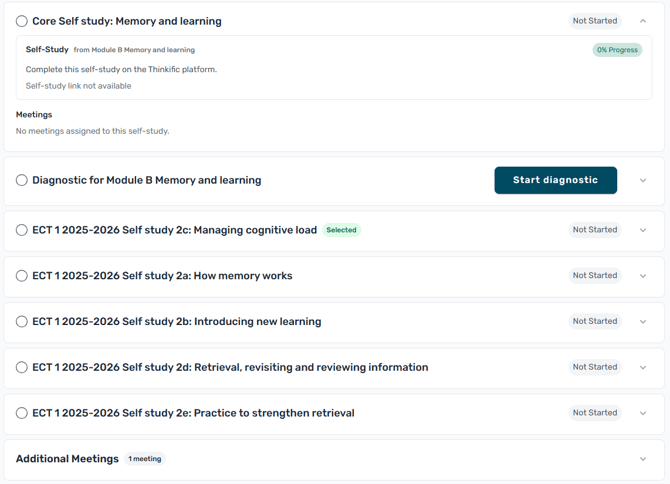
For you as a Mentor, using the "Self-study" menu option will take you to all of the self-study content you have access to (both the mentor content for your role, and the ECT content for your reference).
You can also access associated mentor self-studies by using the purple button on an ECT's workspace. The following video explains how you can access your mentor materials.